
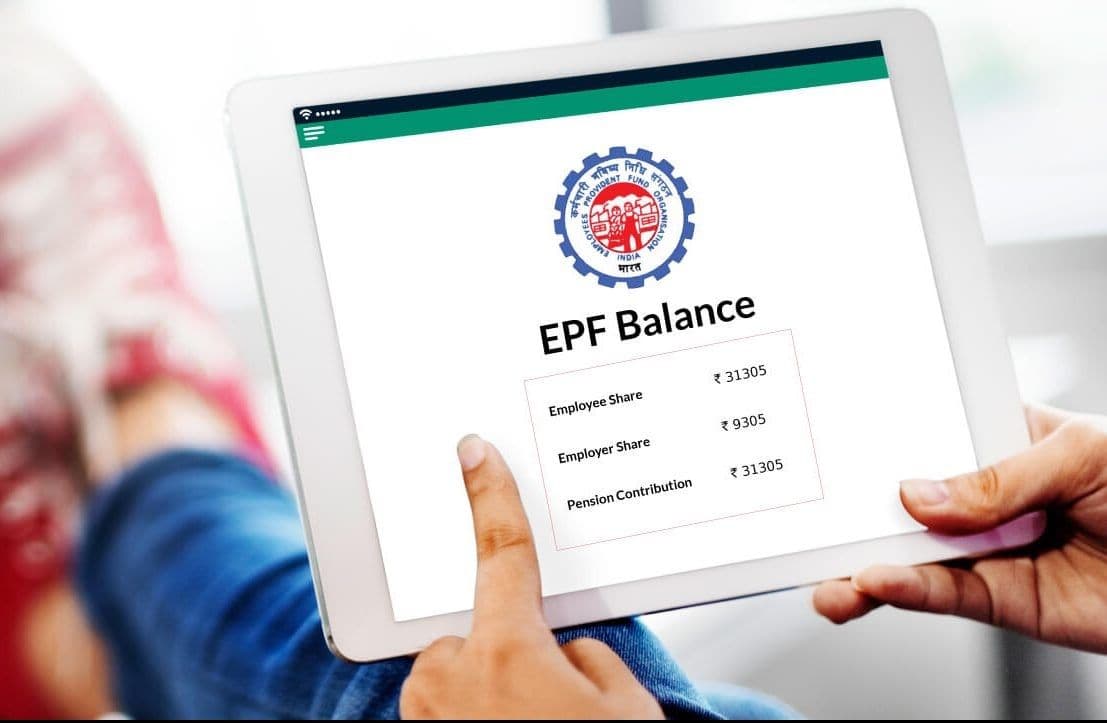
EPF Balance Check, Everything You Need to Know About the PF Balance Enquiry

Loan in
60 Minutes
Introduction
The Employees’ Provident Fund (EPF) is a powerful savings tool designed to secure your financial future. Both you and your employer contribute equally, creating a nest egg that you can access upon retirement or when transitioning between jobs.
Checking your EPF balance is now easier than ever! You can do it via SMS, a missed call, the EPFO app, the UMANG app, or through the EPFO Portal. Knowing your EPF balance is crucial, especially when you plan to withdraw funds for expenses, secure a loan against your EPF balance, or simply check the interest accrued in your account. How to Check Your PF Balance?
There are several convenient methods to check your PF balance, whether you have your UAN or not:
- Missed Call : Dial 9966044425
- SMS : Send a message to 7738299899
- EPFO Online Portal : Log in to your account.
- UMANG Mobile Application : Access your balance on the go..
Checking PF Balance Using Your UAN
To check your EPF balance via the UMANG or EPFO app, make sure your Universal Account Number (UAN) is activated. This unique ID is essential for all employees enrolled in the EPF scheme. Once your UAN is activated, follow these steps:
Step 1 : Visit the EPF portal and navigate to the ‘For Employees’ section under ‘Services’ at the top of the page.

Step 2: Click on ‘Member Passbook’ under the ‘services’ section.

Step 3: This will redirect you to a new page. Enter your UAN and password. Fill in the Captcha and Sign In.

Step 4: A six-digit OTP will be sent to your Aadhaar-linked phone number.
Step 5: Enter the OTP and click ‘Verify’. Your PF account balance will be displayed on the screen.
Before you check your EPF balance on the EPFO portal, make sure you meet the following requirements:
- Your Universal Account Number (UAN) must be activated and registered on the EPFO Portal.
- After registering on the EPFO Portal, the passbook feature will be available after six hours.
- The passbook will reflect the latest reconciled entries from the EPFO Field Offices.
- Members of exempted establishments and private trusts are unable to check their EPF balance on the EPFO Portal.
Checking Your PF Balance Using the UMANG/EPFO App
Employees can easily check their EPF balance on their smartphones by downloading the Unified Mobile Application for New-age Governance (UMANG) app. This app not only allows you to check EPF balances but also enables you to file and track claims. To use the app, members need to complete a one-time registration using the mobile number linked to their UAN.
Here’s how to use the UMANG app to view your EPF transactions:
1. Download the UMANG app from the Google Play Store or Apple iStore.
2. Log in to the UMANG app by tapping on your profile picture. Select ‘Services’ and then click on ‘Social Security’.
3. Click on the EPFO option from the services list.
4. Under ‘Employee Centric Service’, select View Passbook.
5. Enter your UAN number. An OTP will be sent to your registered mobile number.
6. Input the OTP and click on the ‘Submit’ button.
7. Choose the company for which you want to view and download the EPF passbook.
8. Your passbook will be displayed on the screen.
9. Click on the ‘Download’ button to save the EPF passbook.
How to Check PF Balance Without UAN
PF Balance Check via SMS
Once your UAN is integrated with your KYC details, follow these steps to check your balance via SMS:
1. Send an SMS to 7738299899
2. Format your message as follows: ‘EPFOHO UAN ENG’
Choose your preferred language using the first three letters. For English, use ‘ENG’; for Marathi, use ‘MAR’, etc. The available languages are:
- English (ENG)
- Hindi (HIN)
- Punjabi (PUN)
- Gujarati (GUJ)
- Marathi (MAR)
- Kannada (KAN)
- Telugu (TEL)
- Tamil (TAM)
- Malayalam (MAL)
- Bengali (BEN)
You can only check your PF balance via SMS if your UAN is active and linked with your bank account, Aadhaar, and PAN. If not, complete the eKYC with your UAN first.
Check PF Balance via Missed Call
You can also check your EPF balance by giving a missed call from your registered mobile number. This service is available only after your UAN is integrated with your KYC details. If you face issues, consult your employer.
Here’s how to do it:
1. Give a missed call to 9966044425 from your registered mobile number.
2. After the call, you will receive an SMS containing your PF details.
Requirements to Check EPF Balance via Missed Call:
- Your UAN must be activated.
- Your mobile number should be registered with your UAN since this service only works from registered numbers.
- Your UAN must be linked to essential documents like PAN, Aadhaar, and your bank account.
There’s no charge for accessing your EPF balance through the missed call service.
How to Check PF Balance Without a Registered Mobile Number
You don’t always need your registered mobile number to check your PF balance. With your UAN and password, you can easily log in and check your status. Here’s how:
1. Visit the EPF portal and click on the ‘e-Passbook’ option on the homepage.
2. Enter your UAN, password, and captcha, then click ‘Sign In’
3. Click on the ‘Passbook’ option.
4. Select your ‘Member ID’ to view your PF details.
5. You can print the passbook by clicking on ‘Download as PDF’
How to Check EPF Balance for Exempted Establishments
Employees from exempted establishments or private trusts cannot view their EPF balance on the EPFO portal. For these entities, EPF contributions are transferred to trusts managed by the company, not the EPF itself. (skinclinic.es) Therefore, only the company’s trust can provide balance information. Employees can check their balance via salary slips, the company’s employee portal, or by reaching out to their HR department.
The Employee Provident Fund (EPF) is a crucial income source for retirement. Knowing your Universal Account Number (UAN) simplifies accessing your EPF balance and withdrawing funds in emergencies.
Conclusion
Keeping tabs on your PF balance enquiry number is vital for ensuring that your retirement savings are on track. With the various methods available for checking your balance, such as the PF balance check number, EPF balance check miss call number, and the EPFO toll free number balance check, you can choose the one that suits you best. The convenience of these services makes it easier to manage your EPF account, giving you peace of mind regarding your future finances.
If you want an even more seamless experience in tracking your PF and managing your finances, consider using Finnable’s TrackMyPF, available on both the iStore and Play Store. It’s designed to simplify your PF management, making it easier than ever to keep your retirement savings in check.
About the Author

Your UAN is typically provided by your employer when you join. If you’ve lost it, you can retrieve it through the EPFO portal by entering your details.
Unfortunately, you cannot check your PF balance without your UAN, as it’s essential for identification.
It’s a good practice to check your balance at least once or twice a year or whenever you are about to make a claim or withdrawal.
Yes, the EPF balance check miss call number service is free. However, standard call rates may apply depending on your mobile service provider.
If you face any issues, you can contact the EPFO toll-free number balance check for assistance or visit the nearest EPF office.
Introduction
Checking PF Balance Using Your UAN
Checking Your PF Balance Using the UMANG/EPFO App
How to Check PF Balance Without UAN
Check PF Balance via Missed Call
Requirements to Check EPF Balance via Missed Call:
How to Check PF Balance Without a Registered Mobile Number
How to Check EPF Balance for Exempted Establishments
Conclusion